Introduction: the place you thought you were left alone
You get home at 11:10 p.m. The lobby camera films you hunting for your keys. The fob reader logs your entry with the date, the time and the number of your access credential. Outside the third-floor flat, your neighbour's smart doorbell triggers on motion and stores ten seconds of video on a server on the other side of the world. The lift, for its part, keeps a journal of its trips for maintenance purposes. In the mailbox, a letter from the managing agent carries your name, your unit number and sometimes the amount of your arrears.
The next day, a message drops into the building's chat group: "someone left the bike room door open last night around 11, I checked the footage." Nobody was investigating you. But somebody was watching.
Home is the last place where you expect to leave traces. Yet it has become one of the most heavily instrumented: securing common areas has become routine (cameras, Vigik access control, video intercoms), neighbours have kitted themselves out with smart doorbells, and building management has gone digital, with extranets that centralise years of correspondence, accounts and disputes.
This guide reviews what is actually collected in a residential building, what the GDPR, the French Data Protection Act of 6 January 1978 and the Construction Code allow or forbid, and the concrete steps — general meeting, letter to the managing agent, complaint to the CNIL — that let you take back control.
Part 1 — The inventory: who collects what in a building
CCTV in the common areas
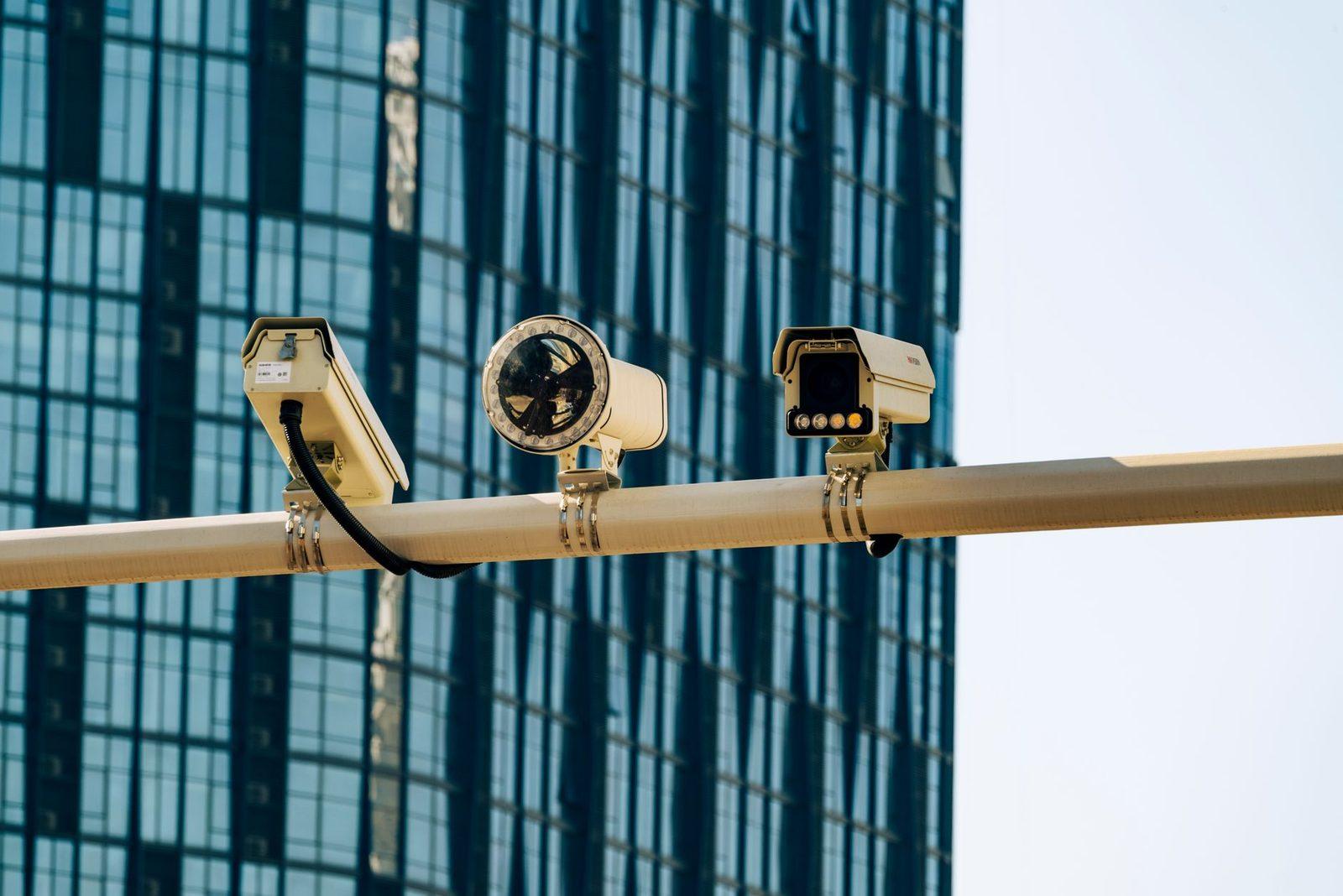
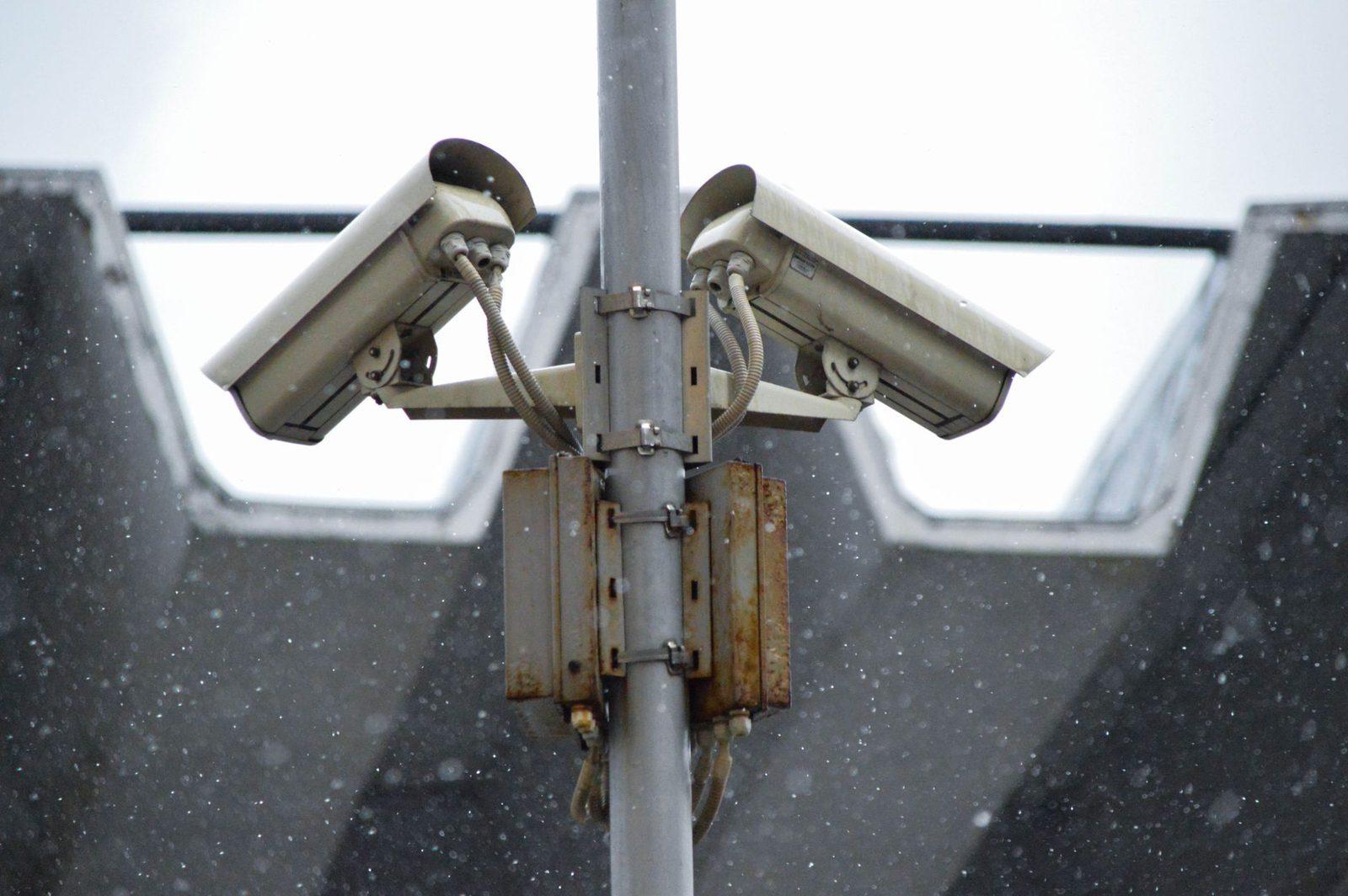
This is the most visible and the most tightly regulated setup. In a residential building, cameras installed in the lobby, the corridors, the underground car park or around the perimeter fall under the GDPR and the oversight of the CNIL (not under prefectural authorisation, which only applies to places open to the public).
The rules the CNIL repeats constantly:
- Limited purpose: preventing vandalism, break-ins and theft. Not monitoring residents.
- No filming of flat doors in a way that identifies who goes in and out of whose home. A camera must not be able to "count" your visitors.
- No cameras in misused communal living spaces: the bin room, yes; a stairwell filmed continuously with a zoom on the landings, no.
- Mandatory notice: visible signs at every entrance, stating the purpose, the data controller (the owners' association, represented by the managing agent), the retention period and your rights.
- Short retention period: the CNIL considers one month to be a maximum, and that a few days are usually enough.
- Restricted access: only authorised individuals, designated by name, may view the footage. Not the entire building committee, and certainly not "the neighbour on the second floor who's good with computers."
That last point is where things most often go off the rails. A monitor installed in the concierge's lodge and visible from the lobby, or remote access shared through a password that gets passed around, amount to clear breaches.
Access control: fobs, Vigik, keypads
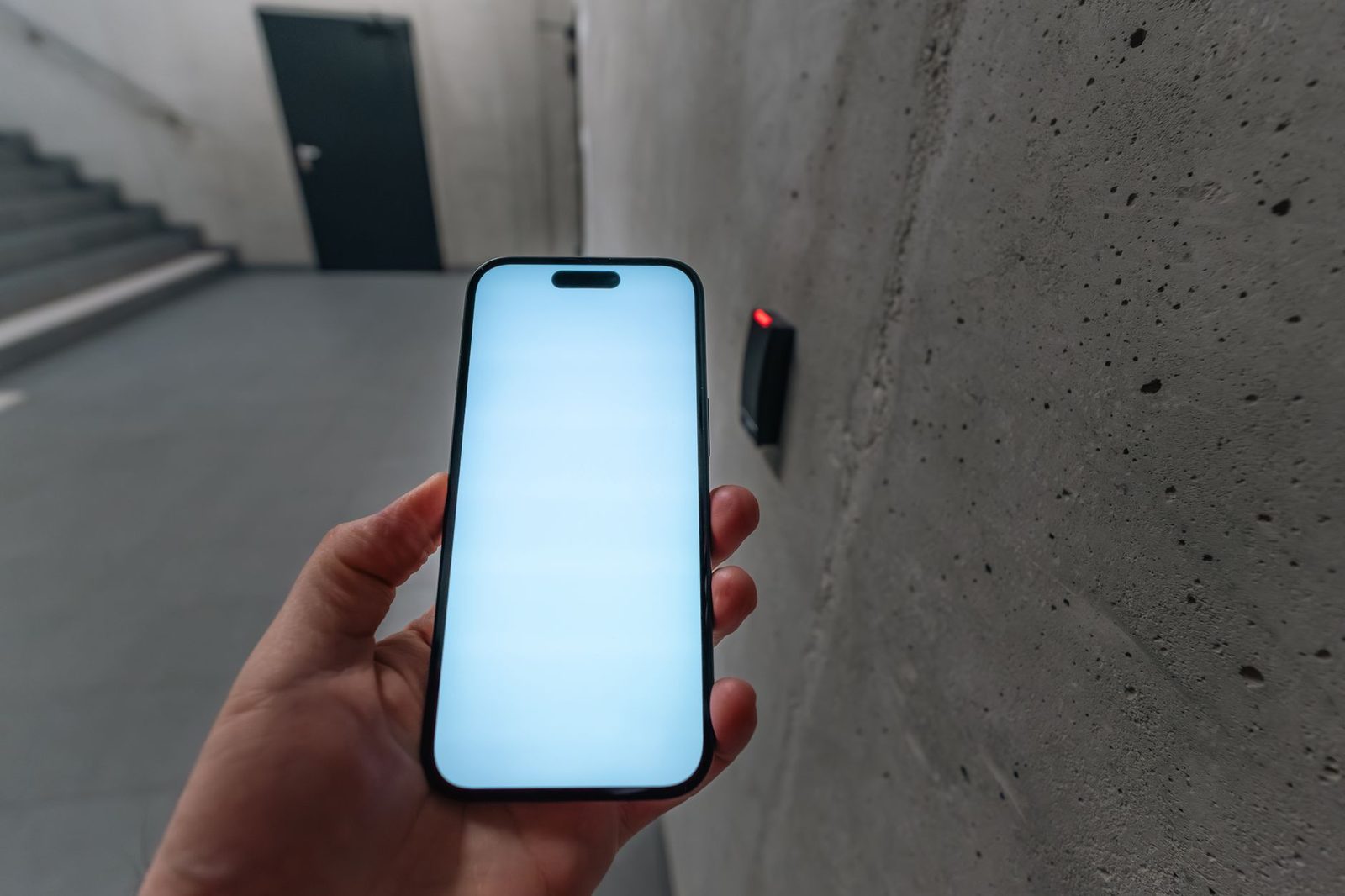
Building fobs don't just open doors. Most modern controllers log every presentation: credential ID, door, timestamp, and sometimes the refusal (deactivated fob, outside permitted hours).
Technically, that makes it possible to reconstruct a household's entry and exit times over several months. The CNIL accepts this kind of logging for security purposes, but under strict conditions: limited retention, no individual scrutiny outside an incident, and residents being informed. In practice, most owners' associations have no idea these logs exist, or that they are responsible for them.
The Vigik system, developed by La Poste and very widespread in France, adds a further layer: it tracks the movements of "service providers" (postal workers, delivery drivers, emergency services, telecoms technicians) using fobs with time-limited authorisation. Those traces don't concern you directly, but they map out the building's rhythm.
The video intercom and the neighbour's smart doorbell
This has been the biggest source of neighbour disputes for the past five years. A smart doorbell placed on a flat door or on a gate films, by design, the landing or the street — and therefore people who never asked for it.
The rule is clear: a private individual may film their own private space only (their interior, their enclosed yard, their entrance). As soon as the camera's field of view covers a shared landing, the pavement, the street or a neighbour's property, the device falls outside the "household exemption" provided for by the GDPR. It becomes a processing of personal data, and it engages the liability of the camera's owner — in civil law, and potentially in criminal law for invasion of privacy (Article 226-1 of the French Criminal Code).
One detail that escapes almost everyone: many of these devices also record sound. Audio capture is considered far more intrusive than image, and the CNIL rarely finds it proportionate for residential use. It can often be switched off in the app's settings — that's the first thing to do. And if the real aim is simply to see who's ringing, a wired video doorphone with no cloud does exactly the same job without shipping the footage off to a remote server.
The managing agent, the extranet and the caretaker
The managing agent holds a thicker file on you than you might imagine:
| Data | Source | Who can access it |
|---|---|---|
| Name, address, contact details | Deed of sale, resident form | Managing agent, building committee (partially) |
| Unit number, share of ownership | Co-ownership rules | All co-owners |
| Service charge calls, arrears | Accounts | Managing agent, general meeting (financial annexes) |
| Minutes of general meetings | Meetings | All co-owners |
| Reports, correspondence, disputes | Routine exchanges | Managing agent, sometimes the building committee |
| Consumption readings (water, heating) | Individual meters | Managing agent, metering contractor |
The law requires transparency between co-owners on the accounts: the amount of a unit's charges and arrears legitimately appears in the financial annexes approved at the general meeting. On the other hand, circulating a photo directory, a list of mobile numbers or the make-up of each household has no legal basis without explicit consent.
Individual consumption readings deserve a mention: a hot-water meter read remotely every hour reveals shower times, absences and the number of occupants. For billing, a monthly reading is more than enough. That's a point you can legitimately raise at the general meeting.
Part 2 — The grey areas that get out of hand
The building's WhatsApp group
Convenient, and legally unsupervised. A building chat group very quickly becomes a place where screenshots of CCTV footage circulate, along with the names of "suspected" residents, photos of vehicles, and comments about who's visiting which flat.
Two risks:
- Sharing an image taken from the CCTV system with unauthorised people is a misuse of purpose. The data controller — the owners' association — can be held to account, and whoever shares it incurs personal liability.
- Naming someone in connection with unproven behaviour amounts to defamation or invasion of privacy, depending on the case.
The healthy instinct: a building group is for announcing a water shut-off, not for conducting investigations. When a report concerns an identifiable person, it goes through the managing agent, in writing.
Parcels, delivery drivers and the mailbox
The name on the mailbox is, in practice, public information. But the label on a parcel left outside the door often displays a full name, complete address, phone number and sometimes the contents. A parcel sitting for two hours in a filmed lobby is one more piece of information doing the rounds. A simple address-blackout roller stamp run over the labels before you throw the boxes out removes the most exploitable part — and keeps your full identity from ending up in the bin room, accessible to the whole building.
The caretaker, the lodge and the keys
The lodge often concentrates: a set of spare keys, an instructions logbook, parcels, and sometimes the CCTV monitor. The caretaker is an employee of the owners' association: they are bound by a duty of discretion and cannot tell a third party about your schedule, your absences or your visitors. If you go on holiday, nothing obliges you to tell the lodge; and if you do so to have your post collected, that information has no business being written down in a logbook anyone can consult.
Part 3 — What you can demand, and how
Step 1: take stock in writing
Send the managing agent a straightforward request, by registered post or email with read receipt, concerning the building's record of processing activities. Ask, for each system (cameras, access control, remote metering, extranet):
- the stated purpose and the legal basis relied on;
- the number and exact orientation of the cameras, with a field-of-view plan;
- the actual retention period for footage and fob logs;
- the list of people authorised to access the data;
- whether there is a processor involved and where it is located.
A professional managing agent should be able to answer. An inability to answer is in itself a warning sign, and a useful argument at the general meeting.
Step 2: exercise your right of access to your own image
You can ask to view the sequences in which you appear (Article 15 of the GDPR). In practice, there are two limits: the footage has often already been overwritten, and third parties visible in it must be blurred, or the viewing arranged on site. Make the request quickly — after a few days there is nothing left to see — and specify the time slot. The response deadline is one month.
Step 3: go through the general meeting
Installing or modifying a CCTV system in the common areas requires a vote at the general meeting. That's the right moment to have precise resolutions put on the agenda:
"Reduction of the CCTV footage retention period to seven days", "Permanent digital masking of the areas covering flat doors", "Designation by name of the only two people authorised to view footage", "Removal of the monitor visible from the lobby", "Limitation of remote meter reading to one monthly reading".
A resolution drafted in advance and circulated stands infinitely more chance of passing than a protest from the floor. An up-to-date copy of a practical guide to co-ownership, setting out the majority rules and how to word resolutions, saves you from being dismissed on a technicality.
Step 4: the neighbour and their camera
In order, and without needless escalation:
- Talk. In most cases, the neighbour has no idea what their camera's field of view covers and will agree to tilt it or activate zone masking. Many apps offer a privacy-zone function that is far too rarely used.
- Write. A courteous but dated letter, recalling the GDPR household exemption and Article 226-1 of the Criminal Code, forms the beginning of a body of evidence.
- Bring the managing agent in if the camera is fixed to a common area — which is almost always the case with a doorbell screwed into a landing wall: the installation then requires authorisation from the general meeting.
- File a complaint with the CNIL online, with photos, a plan and copies of your letters. The CNIL handles complaints about private individuals' cameras filming shared space.
- Protect your own field of view: a privacy window film fitted to an exposed window, a blind or a hedge sometimes settles in an hour what a letter won't settle in six months.
Part 4 — Neighbourhood hygiene: nine simple habits
- Don't fill in the optional resident form when it asks for your occupation, employer, vehicle registration and mobile number. Only what is strictly necessary to manage your unit is mandatory.
- Keep your channels separate: for a sensitive report (noise, conflict, damage) to the managing agent or a neighbour, a dedicated email address or a message that doesn't reveal your number stops your full identity from circulating in a group thread.
- Name on the mailbox: a first initial is enough. Nothing obliges you to advertise your household's make-up.
- Destroy letters from the managing agent before throwing them into the communal bin: a cross-cut document shredder costs about as much as dinner out and removes a remarkably rich source of information about your finances.
- Turn off audio recording on your own intercom equipment.
- Don't photograph your neighbours to back up a report: describe the facts. A photo of an identifiable person sent to a group exposes you as much as it helps you.
- Ask once a year at the general meeting for confirmation of the footage retention period. Settings drift after every change of contractor.
- Check the common-area Wi-Fi: a poorly configured shared network logs the MAC addresses of devices passing through the lobby. The subject is worth a question to the managing agent.
- Secure your own network: a surge-protected power strip and a router with up-to-date firmware are worth more than one more connected gadget. Every camera added to the landing is a camera someone else may one day be able to consult.
Conclusion: security is not the opposite of discretion
A secure building and a privacy-respecting building are not contradictory goals. What really protects against break-ins is a door that closes properly, decent lighting, well-managed access control and neighbours who talk to each other. What protects against nothing, on the other hand, is a camera aimed at a landing, a recording kept for six months, a monitor visible from the lobby and a chat group where screenshots circulate.
The law here is largely on the residents' side: limited purpose, short retention, restricted access, no filming of flat doors, a narrow household exemption for private individuals. Often it is enough to state it calmly, in writing, at the right time of year — that is, before the general meeting.
Key takeaway: in a co-ownership, the data controller is not "the managing agent" but the owners' association. In other words, you. Which is a burden — and, above all, a lever.