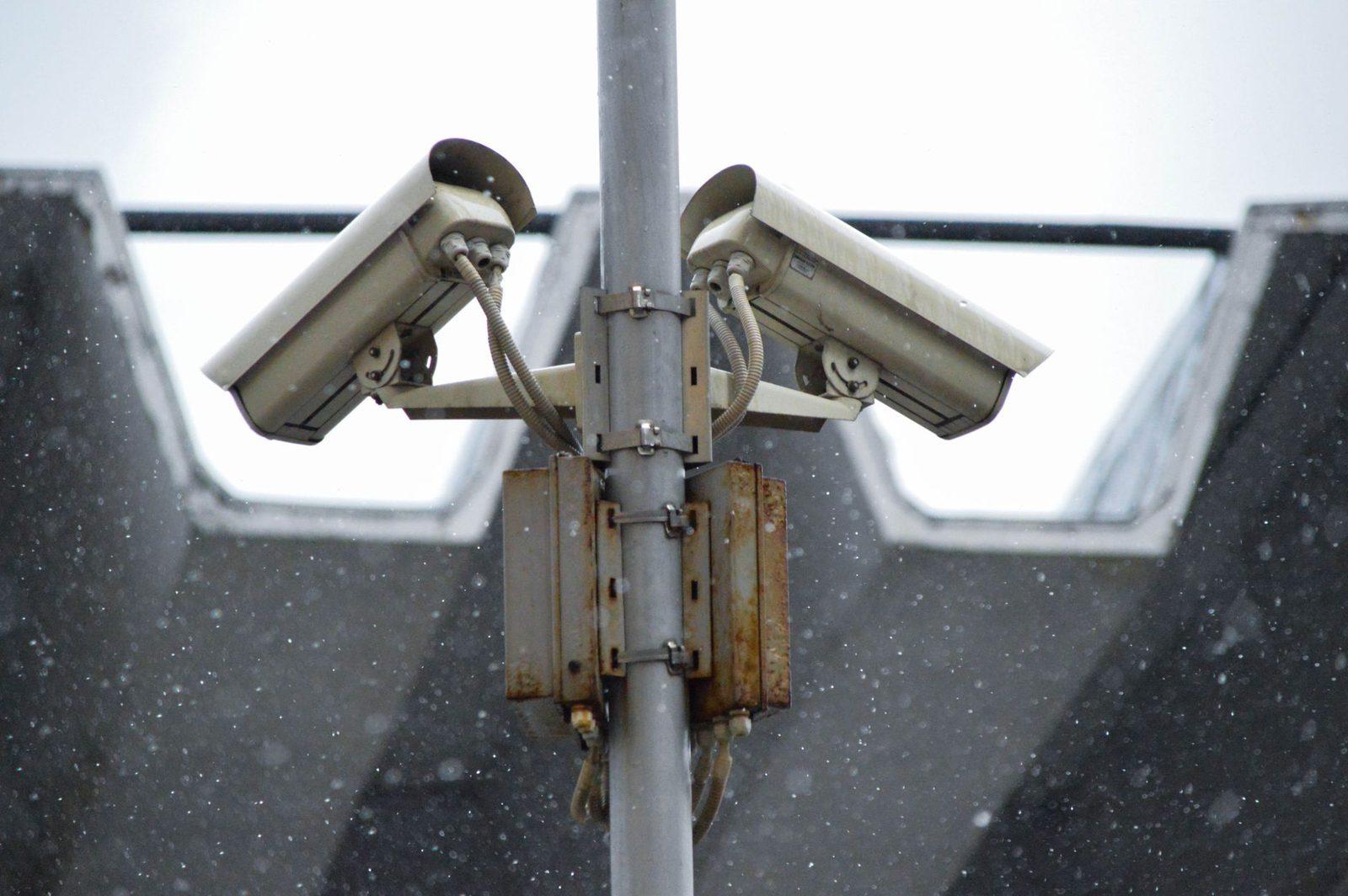
Introduction: eight hours a day in an instrumented environment
You badge in at 8:47 a.m. The access control system records the time, the door, and your card's ID. Your work computer connects to the network: the server keeps the IP address, the login time, the machine name. Your internal messaging app shows a little green dot telling the entire company you are "available". At lunchtime, the canteen debits your badge. In the afternoon, you open three personal tabs during a boring meeting — the proxy logs them. At 6:12 p.m., you disconnect from the VPN at home.
End of day: some thirty different systems each hold a timestamped fragment of your last eight hours. Nobody "spied" on you. Each building block serves a legitimate purpose: premises security, catering billing, protection against IT intrusions, service continuity. Strung together, however, they produce something that looks a great deal like a logbook of your existence.

French law is far from silent on the matter. Article L1121-1 of the Labour Code requires that any restriction on individual freedoms be justified by the nature of the task and proportionate to the aim pursued. The CNIL has published numerous recommendations on the cyber-monitoring of employees, biometric access control and the geolocation of company vehicles. Case law from the Court of Cassation, ever since the famous Nikon ruling of 2001, protects the confidentiality of an employee's private correspondence even on company equipment.
This guide is not an invitation to distrust your employer. It explains what is collected, through which channel, what the law permits and prohibits, and which simple steps restore a clear boundary between what belongs to the company and what belongs to you alone.
Part 1 — The six collection channels of a working day
Channel 1 — Physical access control
Magnetic badge, contactless card, keypad code, sometimes a fingerprint or hand recognition. Every pass generates a record: ID, timestamp, access point. The company can thus reconstruct your arrival and departure times, your breaks, and the floors you move around on.
The CNIL accepts such systems for premises security and, separately, for recording working time — but not for just anything. Two points to watch:
- The purpose must be stated. A badge installed "for security" cannot quietly be used to penalise five minutes of lateness. The CNIL regularly restates the principle of purpose limitation (Article 5 of the GDPR).
- Biometrics are tightly regulated. Fingerprints, vein patterns or hand geometry fall under Article 9 of the GDPR. The template must in principle remain under the employee's sole control (for example on a card they keep), and an alternative method must be available.
Channel 2 — The workstation and the network
Your work computer produces technical logs: logins, software launched, volumes transferred, USB devices plugged in. The firewall and proxy retain a history of the domains visited. Antivirus and so-called "EDR" security tools report events continuously.
This is lawful, provided it is documented and proportionate. The CNIL takes the view that an employer may log browsing for security reasons and to check for abuse, but may not set up permanent individual surveillance without specific justification.
Channel 3 — Email and collaboration tools
Emails, internal instant messaging, shared calendars, collaborative documents: everything is stored on the company side, often with a cloud provider. On top of that come metadata few people think about:
| Data | What it reveals |
|---|---|
| Presence status (green/away) | Your actual hours, your breaks |
| Message timestamps | Working in the evening, at weekends, at night |
| A document's version history | Who wrote what, and when |
| Calendar (even "private") | Medical appointments, job interviews |
| Videoconference logs | Duration, participants, sometimes a recording |
Channel 4 — Remote work
Working from home changes two things. First, the connection goes through a corporate VPN: connection and disconnection times become an activity indicator that is easy to exploit. Second, the physical boundary disappears: your work computer's camera looks into your living room, the microphone hears your family.
The CNIL was explicit when remote work became widespread: permanent monitoring systems (a webcam left on, periodic screenshots, keystroke logging) are disproportionate, save in highly exceptional circumstances. An employee does not have to account for every minute in front of a lens.
Channel 5 — Vehicles and mobile devices
A geolocated company car, a work smartphone with a fleet management solution (MDM), a clock-in app on mobile. The CNIL regulates workplace geolocation strictly: it is forbidden to track an employee outside working hours, and a means of deactivation must be provided during breaks and authorised personal journeys.
Channel 6 — "HR analytics" tools
The final and most recent layer: dashboards that aggregate indicators from the preceding tools to produce "collaboration", "engagement" or "productivity" scores. When those scores become individual and named, you move from collective management to automated scoring — territory where Article 22 of the GDPR, on automated individual decision-making, becomes directly relevant.
Part 2 — What your employer can do, and what it cannot
Three cumulative conditions
Any workplace monitoring system must meet all of the following:
- A legitimate and specific purpose. "Improving performance" is not a purpose, it is an intention.
- Proportionality (Article L1121-1 of the Labour Code). The least intrusive means must be preferred.
- Transparency. Individual notice to employees, consultation of the social and economic committee (Article L2312-38 of the Labour Code), entry in the record of processing activities, and a data protection impact assessment (DPIA) for high-risk systems.
A monitoring system an employee has not been told about is in principle unenforceable: evidence obtained by covert means was long rejected by the courts, and remains very fragile even since case law softened its stance on unfairly obtained evidence.
The "personal" boundary
The rule derived from the Nikon ruling and refined since is simple in principle:
- A file or email identified as personal (a "Personal" folder, an explicit subject line) cannot be opened by the employer in your absence, except where there is a specific risk or incident.
- Conversely, anything not labelled is presumed to be professional and may be inspected. This is the most common mistake: believing a private message stays private because it is private by nature. It only is if it is identified as such.
- The European Court of Human Rights, in Bărbulescu v. Romania (2017), added a requirement of clear prior notice about the scope of communications monitoring.
What is clearly unlawful
- Permanent listening in on or recording of conversations.
- A camera trained continuously on one named workstation, or installed in staff rooms, changing rooms or toilets.
- Generalised keyloggers: the CNIL has characterised them as tools that can only be justified in exceptional security cases.
- Reading an employee's personal email accounts, including ones open on the work machine.
- Geolocation outside working hours.
Part 3 — Ten concrete steps to keep things separate
1. Never mix the containers
This is the master rule. No personal accounts on the work computer, no company folders on your personal machine. If you work a lot from home, a dedicated second-hand refurbished laptop for personal use costs less than a legal dispute and solves 80% of the problem.
2. Explicitly label what is private
Create a PERSONAL folder in your work mailbox if you have no choice but to use it, and prefix the subject line of the rare private messages with "Personal". This labelling carries real legal weight.
3. Keep the work phone strictly for work
A company smartphone is often under MDM: the administrator can enforce policies, inventory apps, sometimes wipe the device remotely. Don't install your personal email or your family photos on it. If you don't want to carry two devices, a dual-SIM phone at least separates the lines without mixing the accounts.
4. Cover the camera when it isn't in use
A few-euro adhesive webcam cover removes all doubt, including with poorly configured software. For the microphone, a wired headset with a hardware switch beats a software button.
5. Treat your home wifi as a separate perimeter
When working remotely, the corporate VPN may, depending on how it is configured, route all your traffic — personal included — back to the employer's network. Check whether "split tunnelling" is enabled. If not, do your personal browsing on another device. A wifi router with a guest network lets you isolate the work machine from the rest of the household.
6. Lock down physically, not just in software
In a shared office or a coworking space, a privacy screen filter prevents anyone reading from the side. Simple, and non-negotiable when you handle sensitive data or look at a personal document during a break.
7. Read your IT policy — properly
It almost always exists and it is binding. It specifies how long logs are kept, who has access to them, and what personal use is tolerated. It is your best source of information, and often the easiest to obtain.
8. Exercise your right of access
The GDPR applies in full to the employment relationship. You can ask your employer for a copy of the data concerning you: badge histories, connection logs, appraisals, geolocation records. Send the request in writing to the data protection officer (DPO). The response deadline is one month. If you get no answer, a complaint can be filed online with the CNIL.
9. Go through employee representatives
A system that strikes you as disproportionate is typically a matter for the social and economic committee, which must be consulted before anything is deployed. A collective complaint carries far more weight than an individual objection, and protects you better.
10. Keep sensitive matters outside the work perimeter
Applying for a job elsewhere, consulting a trade union, a medical appointment, a difficult family situation: none of this has any business passing through company tools. Use your own connection, your own address, your own phone. To reach someone without revealing your number — rescheduling an appointment, getting a message across discreetly — sending an anonymous SMS from a browser meets the need without leaving a trace in your work phone records.

Part 4 — The three situations that go wrong
Evidence discovered "by chance"
An employer opens an unlabelled folder, finds personal material in it, and uses it. Such disputes are common and their outcome depends almost entirely on one detail: was the file identified as personal? Hence the importance of labelling — a ten-second gesture.
Dismissal based on connection logs
Browsing or badge histories are regularly used as grounds for sanctions. They are admissible if they were collected within a declared and proportionate framework. If the system was never brought to employees' attention or submitted to the works council, its evidential value is highly questionable — a point to raise immediately with legal counsel. An up-to-date practical guide to employment law lets you check the basics yourself before any meeting.
Leaving the company
When the contract ends, your account is deactivated and your messages archived. If you have left personal content in the work mailbox, calendar or cloud, it goes with them. So plan a systematic review a month before you leave: calendar, personal folders, private contacts, shared documents, apps linked to your work account.
Conclusion: discretion is not concealment
There is nothing suspicious about wanting your employer not to know your doctor's name, that you have applied for a job elsewhere, or what you said to your partner. French employment law and the GDPR start from the same premise: an employee remains a person, and managerial authority stops where private life begins.
What this guide proposes fits in one sentence: separate the containers, label what is private, read what the company declares it collects, and exercise the rights the GDPR gives you. Nothing illegal, nothing confrontational, no concealment. Just a boundary, drawn deliberately, where nobody had drawn one for you.
To go further: the CNIL's fact sheets on work and personal data, ANSSI's "Télétravail" guide for the security angle, and the French Ministry of Labour's pages on monitoring employee activity.