Introduction: the most talkative object you have ever resold
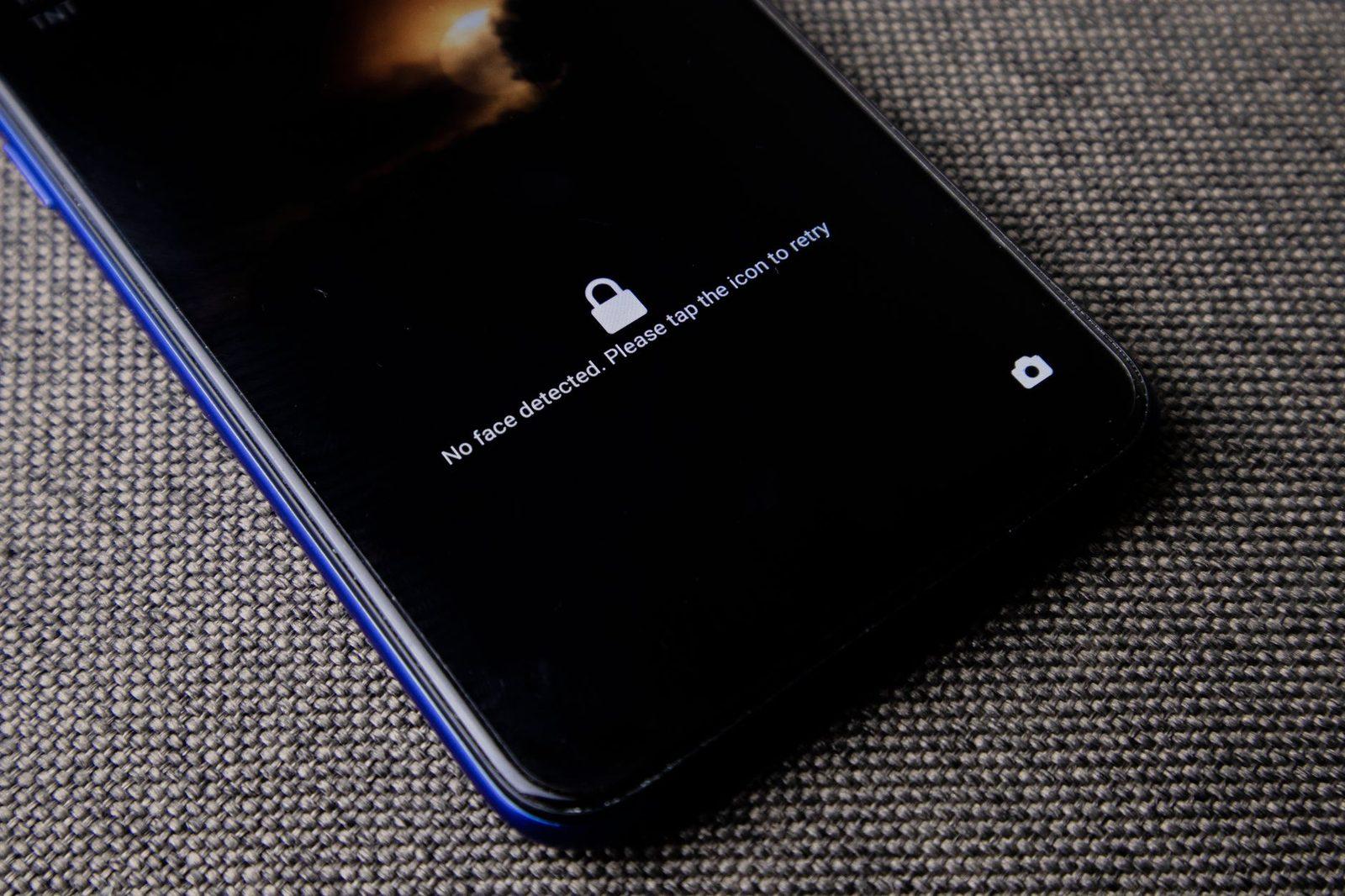
You changed phones in June. The old one went off to a refurbishing platform for 180 euros, with a box ticked saying "device reset." You ran a factory reset from the settings, took out the SIM card, and considered the matter closed.
Living inside that device were: four years of photos, your location history, the passwords saved in your browser, the drafts of messages never sent, the attachments from your doctor, the scan of your ID made one evening for a sign-up form, and the exhaustive list of the people you call on Sundays.

The phone is the only object we resell second-hand after storing more intimate information in it than in any drawer in the house. And it circulates a great deal: according to figures from ADEME and Arcep's digital barometer, the market for second-hand and refurbished smartphones now accounts for a significant share of annual sales in France. Every device sold is a device bought by someone else.
This guide therefore works both ways: what you must erase before selling, and what you should watch out for when buying a device that has already had a life.
Part 1 — Understanding what really survives a wipe
The myth of the "emptied trash"
On a conventional hard drive, deleting a file deletes nothing: the system simply marks the space as reusable. That is the principle that made it possible, for two decades, to recover data from resold computers. Modern smartphones work differently, and that is good news — provided you understand why.
Encryption changes everything
Since Android 6 (2015) and iOS 8 (2014), device storage has been encrypted by default. In practical terms, the data is unreadable without a key, which is itself protected by your unlock code and stored in a secure chip (Secure Enclave on Apple devices, Trusted Execution Environment or the Titan chip on Android).
When you perform a factory reset on an encrypted device, the system destroys the key. The physical data remains for some time on the flash memory, but it now amounts to nothing more than mathematical noise. This is what is known as crypto-erase, and it is today the method recommended by technical standards, notably NIST SP 800-88 on media sanitization.
The essential condition: the device must have been protected by a passcode before the wipe. A phone with no lock code never really activated its protection; the reset then becomes a mere surface tidy-up.
What a factory reset does not erase
Three blind spots remain, and they are the ones that cause problems:
| Item | Where it lives | What to do |
|---|---|---|
| Micro-SD card | Physically inside the device | Remove it, or format it separately in encrypted mode |
| SIM / eSIM card | Physical SIM or embedded profile | Remove the SIM; delete the eSIM profile in the settings |
| Linked cloud accounts | On the servers, not on the device | Unlink the device from the account before selling |
| Automatic backups | Google Drive, iCloud | Check and purge obsolete backups |
| Paired objects | Watch, earbuds, car, scales | Unpair them one by one |
The last point is the one everyone forgets. A smartwatch that is still paired keeps syncing health data; a vehicle retains in memory a full contact list imported over Bluetooth.
Part 2 — The resale protocol, step by step
Step 1: retrieve before you destroy
First of all, take out what you want to keep. A direct transfer to the new device is often enough, but if you would rather not entrust anything to the cloud, a simple cable and an external drive do the job. An encrypted external hard drive, protected by a hardware password, remains the most sober way to archive years of photos without scattering them across third-party servers.
Take the opportunity to sort things out: a backup that contains everything is a backup you will have to protect for life.
Step 2: disable activation lock
This is the step most often missed, and the one that ruins the sale.
- iPhone: Settings → your name → Find My → turn off "Find My iPhone," then sign out of your Apple ID. Without this, the buyer ends up with a device blocked by activation lock, and unusable.
- Android: remove the Google account in Settings → Accounts, then remove the passcode and biometric data. Factory Reset Protection works on the same principle.
Then go to the device management page for your account (Google, Apple, Samsung, Xiaomi, as applicable) and explicitly remove the device from the list. That action severs the link on the server side, not just on the phone.
Step 3: revoke sessions and two-factor authentication
Your old phone may well have been your second authentication factor. Before letting it go:
- transfer your authentication codes (TOTP-type apps) to the new device;
- revoke active sessions on your sensitive accounts (banking, email, social networks);
- if you use a physical FIDO2 security key as a second factor, now is a good time to check that it is properly registered on your critical accounts — it is precisely what saves you from depending on a phone number.
Step 4: reset, then reset the noise
For the extra-cautious, there is a method known as "filling": after the wipe, you fill the memory with neutral files (pointless videos), then wipe again. On an encrypted device, this is largely superfluous. On an old unencrypted device (pre-2015), on the other hand, it is a reasonable precaution.
Step 5: think about the physical wrapper
The phone is not travelling alone. The case, the SIM card forgotten in a drawer, the shipping label with your full address stuck on a parcel: all of that says something too. If you are shipping the device, a plain shipping mailer and a delivery slip that mentions only the strict minimum are better than a reused box bearing your previous order and your name in large letters.

Part 3 — Buying second-hand: the five checks that matter
Buying a used device means accepting an object whose history you do not know. Here is how to reconstruct it.
1. The IMEI, above all
Every phone has a unique number, the IMEI, which you can display by dialling *#06#. Ask the seller for it before buying and check that it matches the one engraved on the device or shown in the settings.
In France, an IMEI reported as stolen can be added to a blocking list by the operators, via the scheme managed by the Fédération française des télécoms. A blacklisted device will no longer work on French mobile networks, whatever SIM is inserted. Buying a stolen phone also means inheriting a police complaint attached to an object in your possession.
2. Has the device really been unlinked?
Switch it on in front of the seller if it is a face-to-face transaction. If it boots to a screen asking for the previous owner's Apple ID or Google account, the sale makes no sense: you are buying a brick. Never settle for a promise of "I'll unlock it afterwards."
3. Is the operating system genuine?
Some devices refurbished through unofficial channels arrive with a modified system, preinstalled apps, or a rebadged version of Android. The risk is not theoretical: analyses published in recent years by security researchers have documented the presence of unwanted software on entry-level handsets delivered brand new.
A simple reflex: run your own factory reset as soon as you receive it, whatever the seller promises, and check the system version as well as the date of the latest security patch (Settings → About → Security version).
4. How long will it keep receiving updates?
A phone that no longer receives patches becomes, month after month, an open door. Since 2023, the European ecodesign regulation has been progressively imposing minimum security update periods on manufacturers for smartphones sold in the EU. Before buying second-hand, check the manufacturer's policy for the model concerned: a device released six years ago may be in perfect physical condition and completely abandoned on the software side.
5. Look for what should not be there
After a reset, a clean device has no unknown administration app, no exotic configuration profile, no VPN set up without your knowledge. On Android, take a look at Settings → Security → Device admin apps; on iOS, at Settings → General → VPN & Device Management.
That is where stalkerware hides — surveillance software installed by someone close to you. The subject goes far beyond second-hand purchases: it also concerns devices "given as gifts" in a context of domestic abuse. The CNIL and several French associations regularly raise the alarm about these practices; the Coalition Against Stalkerware publishes resources in French to help detect them.
Part 4 — Refurbishing platforms and your rights
A professional refurbisher is a data processor… or not
When you hand your phone to a refurbisher, you are potentially handing over a medium containing personal data — yours, but also that of everyone in your contacts. Serious operators apply a documented erasure procedure and sometimes provide you with a certificate. Ask for it.
The key GDPR point here: you never fully delegate your responsibility towards the third parties listed in your address book. The correct reflex therefore remains to wipe the device yourself before handing it over, and to treat the professional's erasure as a second layer, not the first.
The legal wording to know about
Since the AGEC law and its implementing texts, refurbished products sold in France must carry the wording "reconditionné" (refurbished) together with information about the condition of the device. A seller who talks about "as good as new" with no further detail is outside the rules. And a refurbished product sold by a professional benefits from the legal guarantee of conformity: twelve months minimum for a second-hand item, two years for a new one.

Part 5 — The special case: the device you don't resell
Not all phones end up sold. Some break down, get crushed, or sleep for five years in a drawer. Three situations deserve separate treatment.
The device that won't switch on any more
You cannot reset a dead phone. Two options:
- Drop-off at an approved collection point (recycling centre, operator, retailer) with, ideally, the SIM and micro-SD cards removed beforehand.
- Physical destruction, if the device contained sensitive data and never had a lock code. Drilling or breaking the storage chip makes recovery economically unthinkable. A pair of safety goggles and a precision screwdriver are enough — opening a modern smartphone requires a minimum of tooling and patience.
The old phone kept "just in case"
That is an excellent reflex for emergencies, but a device forgotten in a drawer is still a device that contains everything. If you keep it, wipe it now, not on the day you give it away. A blank device is an object; a full device is a dossier.
The phone handed down to a child or a relative
Family hand-me-downs are the case most often botched, because we trust each other. The problem is not trust: it is that the device stays linked to your account, pushes up your notifications, and exposes your messages to someone who was not looking for them. A full wipe and a separate account are the rule, even between parent and child.
Summary: the checklist to keep at hand
Before selling or giving away
- Back up what I'm keeping, on storage I control
- Unpair watch, earbuds, car, connected objects
- Delete the eSIM profile, remove the SIM and micro-SD cards
- Turn off Find My / remove the Google account
- Transfer my two-factor authentication codes
- Remove the device from the list in my manufacturer account
- Factory reset, on a device with an active passcode
- Check that the shipping parcel doesn't say too much
Before buying
- Check the IMEI via
*#06#and its status - Boot the device: no previous account should appear
- Run a factory reset myself, immediately
- Check the date of the latest security patch
- Check profiles, VPNs and device administrators
- Check the support period announced by the manufacturer
Conclusion: one device, two lives, no trace
A smartphone that changes hands is not a neutral object. It carries a memory, and that memory does not erase itself out of politeness. The good news is that technology has been on your side for ten years: on an encrypted device protected by a passcode, a properly performed factory reset really is enough.
The rest comes down to gestures that take twenty minutes: unlinking accounts, unpairing objects, checking what is still paired on the server side. And, in the other direction, refusing to buy a device whose history is murky.
Protecting your privacy isn't only about choosing what you publish. It is also about deciding what you leave behind when an object leaves the house. A properly wiped phone says nothing about you — and that is exactly what we ask of it.
Sources and useful resources: CNIL (practical guides "Effacer les données d'un appareil avant de le revendre"), ADEME (data on the refurbished market), Arcep (digital barometer), NIST SP 800-88 (media sanitization guidelines), Coalition Against Stalkerware, Fédération française des télécoms (IMEI blocking scheme), articles L. 217-3 et seq. of the French Consumer Code (legal guarantee of conformity).